Owner
Every rupee and every day of the build, whether you are in Dubai or down the road.
This month₹4,86,200On budget · Structure 82%

Spend against budget, daily progress from site, photos and contractor payments. Shared with your family, on your phone.


Most homes are built on a WhatsApp group, a notebook and a good memory.
A bill photo in one chat. A cash advance nobody wrote down. Six weeks of “almost done.”
Green Villa Sample build
₹0
logged this week
 IMG_4471.jpg
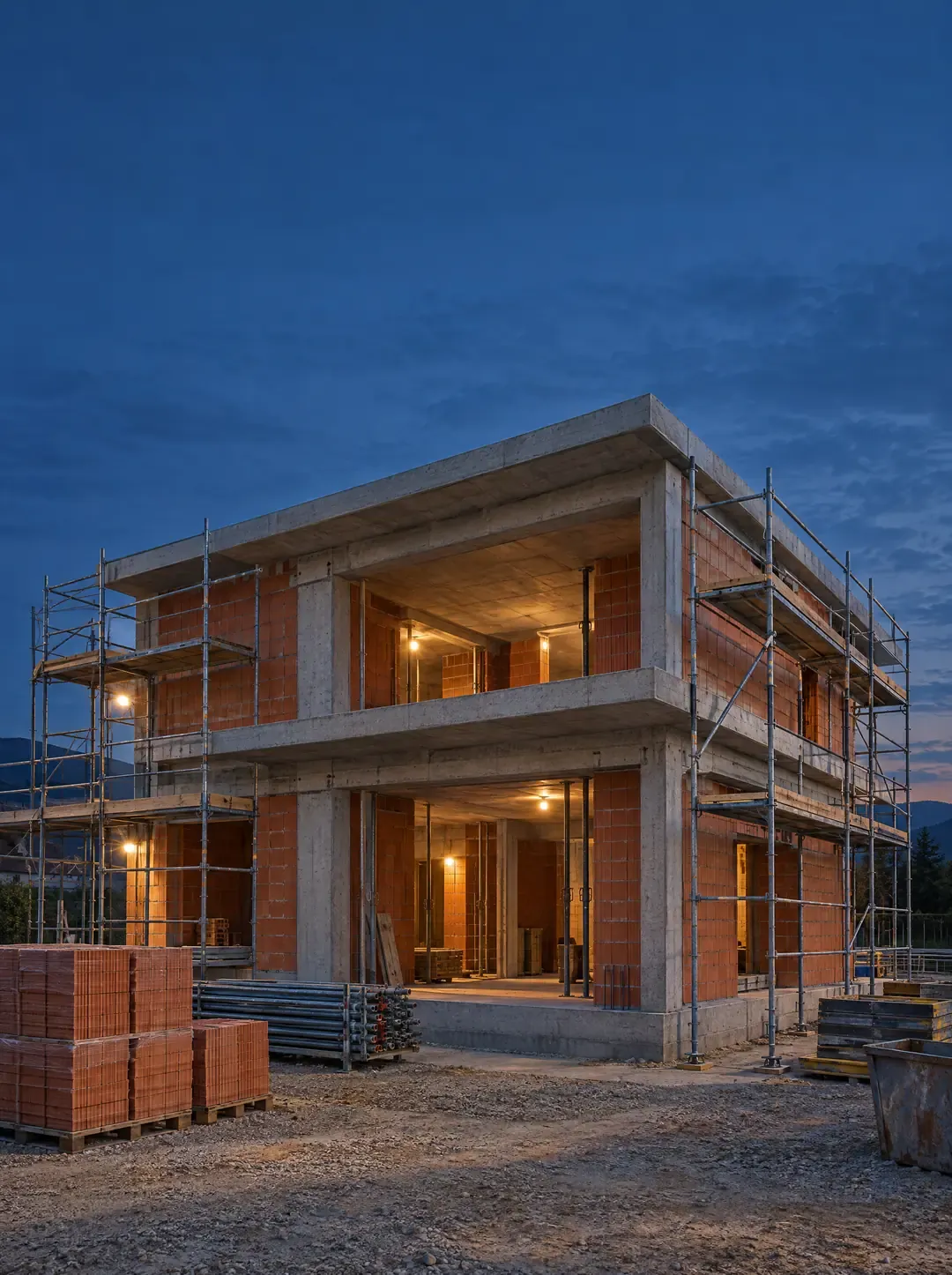
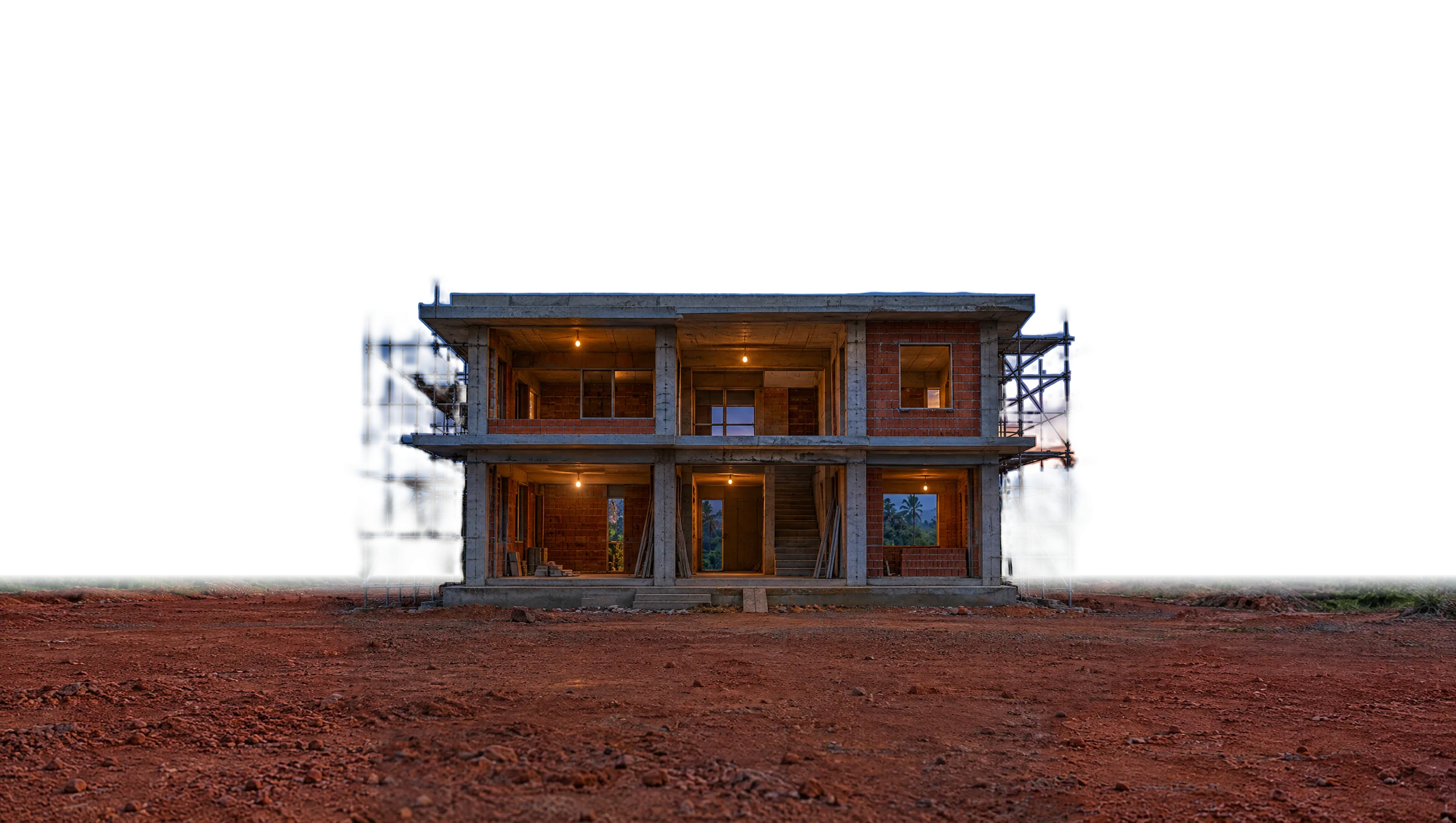
Now watch one house get built. Same plot, same camera, 212 days, logged as they happened.




Built for families building a home and the contractors building it. Simple enough to use on site, careful enough to trust with the money.
Set a budget for foundation, structure and finishing. Watch each phase spent against it as entries land.
What you sent, minus what was spent on site, minus bills. Always know what your contractor is holding.
Attach the bill to the expense, so the paper trail lives next to the number instead of in a drawer.
Progress, labour and materials, posted from site with photos and seen by the whole family.
Entries and photos saved on site upload by themselves when the connection comes back.
A push when a payment, bill or update lands. Opens like an app, straight from your browser.
Contractor account Sample
Invite your family and your contractor with one code. Each person sees what they need, nothing more.
Every rupee and every day of the build, whether you are in Dubai or down the road.
Parents, partner, siblings. The same photos and numbers, without forwarding screenshots.
Posts work, labour and bills from site. Sees only their own work and payments.
The whole build, one code away.
Start your buildSomething else? Help and support
Yes. Share your invite code. Once they join, mark them as your contractor and link them to their entry. They see only their own work and payments.
Yes. Entries and photos added offline are saved on the phone and upload by themselves when the connection is back.
Go to Settings, Family and share the invite code. When they join with it, approve them in Settings, Members.
No. Constra runs in your phone’s browser and can be added to your home screen, where it opens like an app.
Save a handover report, then move the home to Proma to run rent, tenants and repairs. The project stays in Constra, read only.
When the work is done, drawings, warranties and the final account move into Proma with the house.